


Downloads
Information sheets
DPM72 Generation 2
- Digalox DPM72-AV2, -AVP2 und -PP2 - Single measuring instruments
- Digalox DPM72-MP2, -MPN2, -MP2+ und MPN2+ - Multi measuring instruments for Volt & Ampere, with display or for DIN rail
- Digalox DPM72-MPP2, -MPPA2 und MPPV2 - Process display devices for analogue signals, with display or for DIN rail
DGLX Modular system
DPM36
DPM72 Redundant models
- Digalox DPM72-AV - Sale ended!
- Digalox DPM72-AV2, -AVP und -PP - Single measuring instruments
- Digalox DPM72-MP, -MPN, -MP+ und MPN+ - Multi measuring instruments for Volt & Ampere, with display or for DIN rail
- Digalox DPM72-MPP, -MPPA und MPPV - Process display devices for analogue signals, with display or for DIN rail
Instruction manuals
Device manuals Generation 2
- Digalox DPM72-AV2 - Single measuring instruments
- Digalox DPM72-AVP2 - Single measuring instruments for Volt & Ampere
- Digalox DPM72-PP2 - Single measuring instruments for Volt & Ampere and shunt measurment
- Digalox DPM72-MP2 - Multi measuring instruments for Volt & Ampere
- Digalox DPM72-MP2+ - Multi measuring instruments for Volt & Ampere with counting functions and versatile interfaces
- Digalox DPM72-MPN2 - Multi measuring instruments for Volt & Ampere and shunt measurement
- Digalox DPM72-MPN2+ - Multi measuring instruments for Volt & Ampere, shunt measurement, counting functions, and versatile interfaces
- Digalox DPM72-MP2+/MPN2+-DIN - Multimeter for DIN rail
- Digalox DPM72-MPP2 - Process display devices with counting functions and versatile interfaces
- Digalox DPM72-MPPA2 - Process display devices with operating hours counter and versatile interfaces
- Digalox DPM72-MPPV2 - Process display devices with counting functions and versatile interfaces
- Digalox DPM72-MPP2/MPPA2/MPPV2-DIN - Analogue signal measuring instrument for DIN rail
EX USB - optional USB interface for DPM72-AV2
Device manuals DPM36
- Digalox DPM36-AV - Compact digital panelmeters for Volt & Ampere
- Digalox DPM36-AVN - Compact digital panelmeters for Volt & Ampere
- Digalox DPM36-P - Compact digital panelmeters for process display
Additional manuals
- Digalox DPM72-AV/AVP/PP - Dimensions.pdf
- Digalox DPM72-MP/MPN - Dimensions.pdf
- Digalox DPM72-RS485/Modbus - Instruction Manual.pdf
- Digalox DPM72-XBEE - Instruction Manual.pdf
- Digalox DPM72 data transmission - Instruction Manual.pdf
Device manuals redundant models
- Digalox DPM72-AV - Sale ended!
- Digalox DPM72-AVP
- Digalox DPM72-PP
- Digalox DPM72-MP
- Digalox DPM72-MP+
- Digalox DPM72-MPN
- Digalox DPM72-MPN+
- Digalox DPM72-MP+/MPN+-DIN
- Digalox DPM72-MPP
- Digalox DPM72-MPPA
- Digalox DPM72-MPPV
- Digalox DPM72-MPP/MPPA/MPPV-DIN - Analogue signal measuring instrument for DIN rail
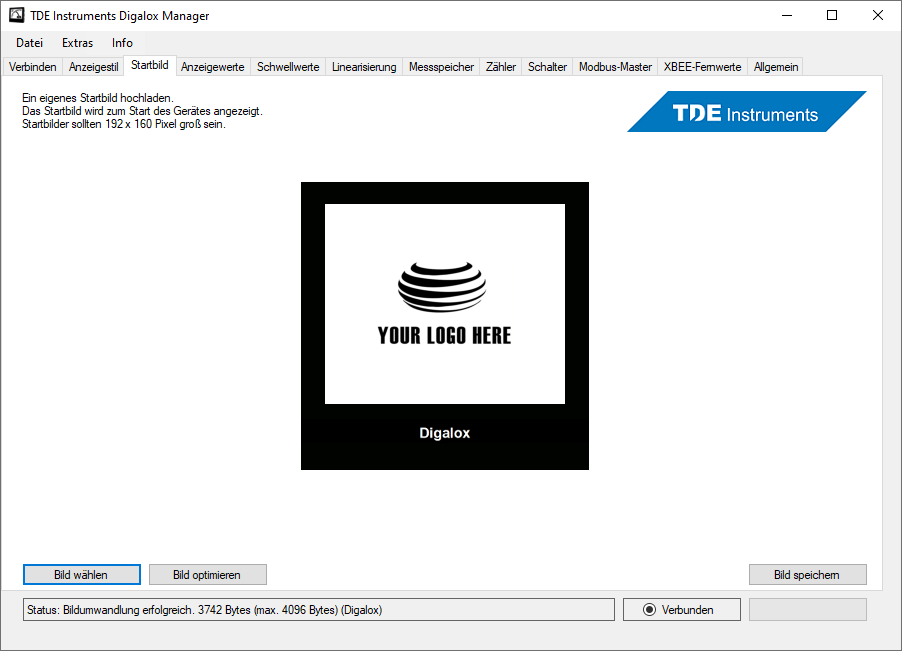
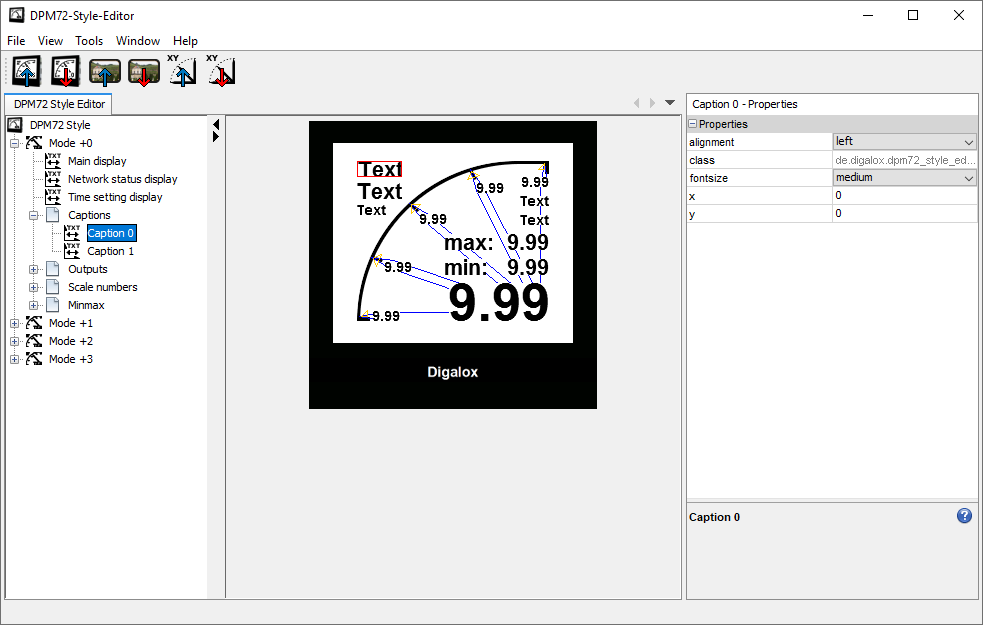
Query software (command line) for XBEE devices
Digalox® XBEE Poll (Windows 10 or higher, .NET Framework 4)
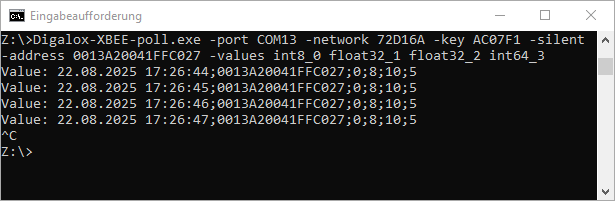
Instruction manual
Configuration software (command line) for DPM36
Digalox® DPM36 Config (Windows 10 oder höher, .NET Framework 4)

Instruction manual
USB driver for Windows (external links)
USB interface DPM72-EX2
- The driver is installed automatically if the computer is connected to the Internet.
- Alternatively, the driver can be installed manually in the Windows device manager (http://www.ftdichip.com/Drivers/VCP.htm). Before the installation the USB interface appears in the device manager at "Other devices" as "FT232R USB UART". This should be checked before the manual installation.
USB interface DPM72-EX5
- The driver is not installed automatically but can be installed via Windows Update and is found there at "Optional updates" (detailed description).
- Alternatively, the driver can be installed manually in the Windows device manager (https://www.silabs.com/developers/usb-to-uart-bridge-vcp-drivers?tab=downloads). Before the installation the USB interface appears in the device manager at "Other devices" as "CP2102N USB to UART Bridge Controller". This should be checked before the manual installation.